Dashboard Widgets
Dashboard combines execution controls, AI status, and user-facing progress cards.
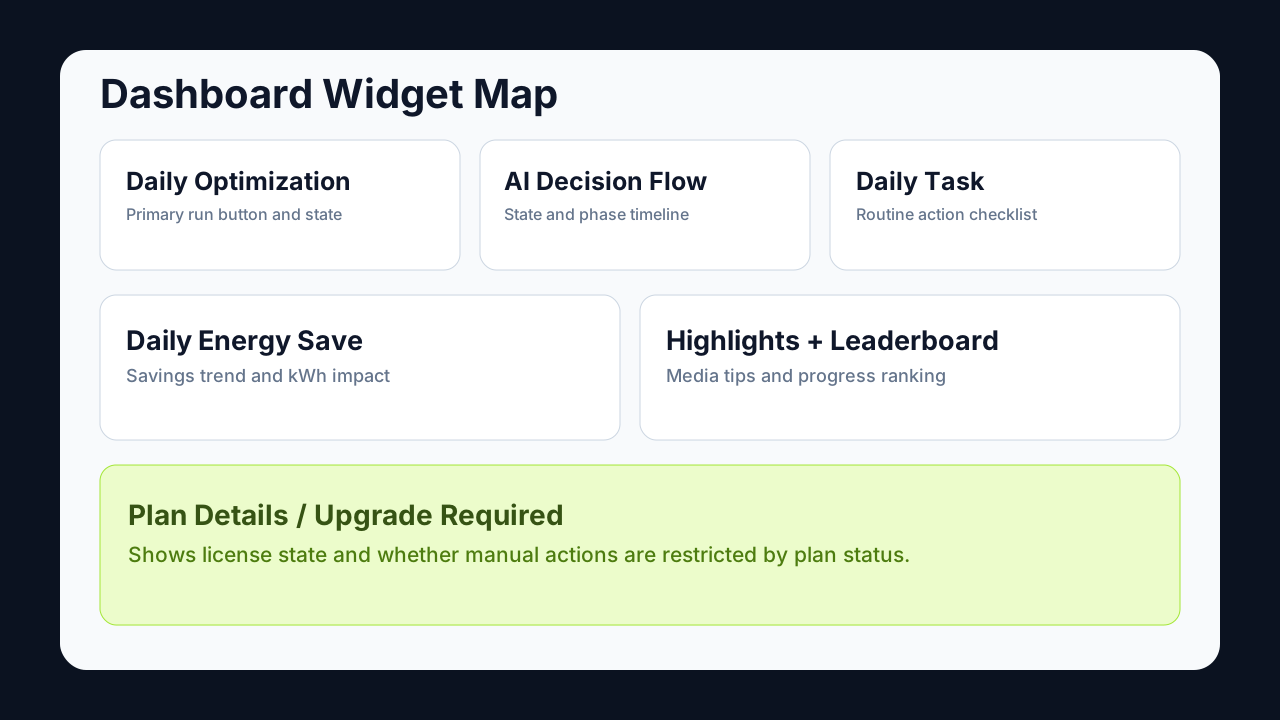
Widget Reference
| Widget | What it shows | Why it matters |
|---|---|---|
| Daily Optimization | Main optimization action and run status | Fast daily cleanup/optimization trigger |
| AI Decision Flow | Current AI state and phase timeline | Visibility into wait/run decision behavior |
| Daily Task | Suggested daily actions and completion cues | Encourages consistent maintenance |
| Daily Energy Save | kWh trend and savings summary | Communicates optimization outcome |
| Highlights | Product highlight media feed | In-app product education and tips |
| Leaderboard | Relative progress score area | Engagement and status feedback |
| Plan Details / Upgrade Required | License/plan state and upgrade path | Clarifies feature availability |
Operator Notes
- If Upgrade Required is shown, manual optimization actions can be restricted.
- AI state indicator should be read together with next tick countdown for expected timing.
- Energy and activity widgets are informative; policy changes are done in Settings.