Profile Panel (Settings > Kisisel Bilgiler)
This page documents the current Settings > Kisisel Bilgiler panel in the desktop app.

1) Identity Card
The top card shows:
- Avatar
- Display name
- Provider + session mode (online/offline/guest)
- Account context (B2B/B2C), tenant, app version, AI model
Why it matters:
- Gives fast identity and environment verification before changing security/preferences.
2) Quick Actions Card
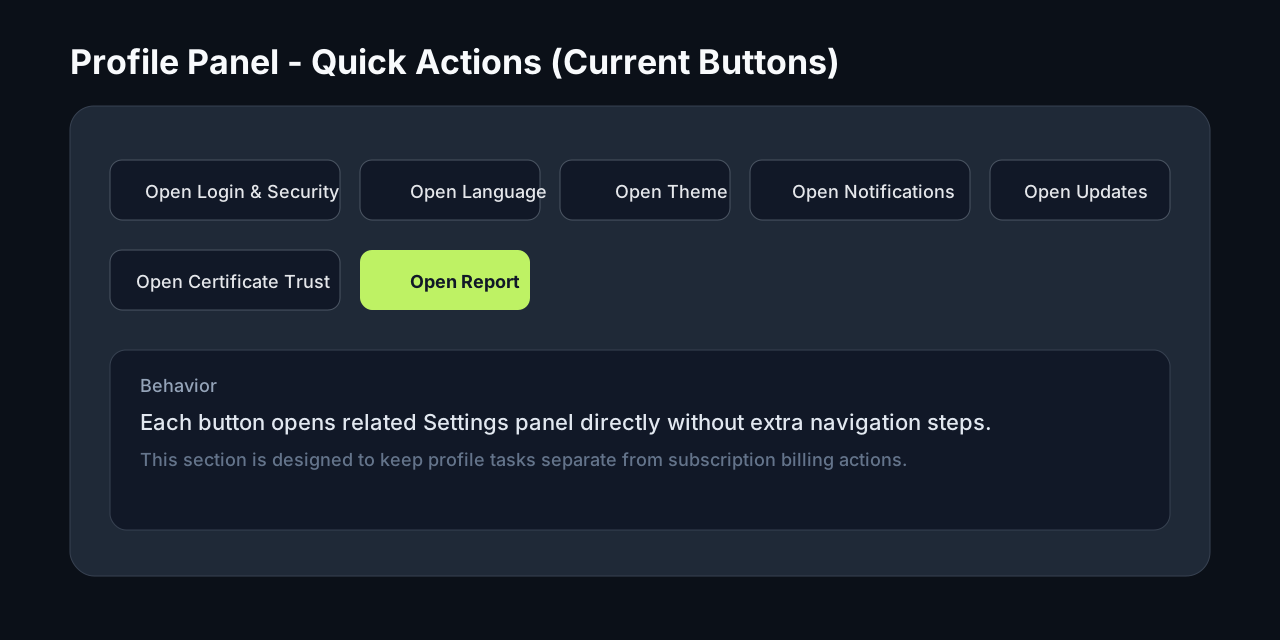
Buttons route directly to operational panels:
- Login & Security
- Language
- Theme
- Notifications
- Software Update
- Certificate Trust
- Report
Why it matters:
- Reduces navigation depth and support friction.
2.5) Account Access Card (Login Prompt)
When the user is running in local/license mode without a linked cloud session:
- Profile panel shows an Account Access card.
- Card contains Open Login action.
- User can stay in local mode without being forced to login.
If a linked account exists, this card switches to an informational state.
3) Activity Snapshot Card
The bottom card summarizes:
- Latest update task + status
- Last update date
- AI rollout state
- Policy flags (KillSwitch / Paused)
Why it matters:
- User gets profile-adjacent operational context without opening multiple screens.
Scope Rule
This panel is intentionally not used for direct license plan management.
License and billing actions stay in:
- Settings > Abonelik
Sidebar Behavior
When no linked account session exists:
- Left sidebar bottom entry shows Login instead of Logout.
- Clicking it opens Settings > Kisisel Bilgiler (profile panel), not direct
/login. - User decides whether to continue local/license mode or open login from profile card.