Desktop UI Overview
This page explains where each major desktop page is used and what users should expect.
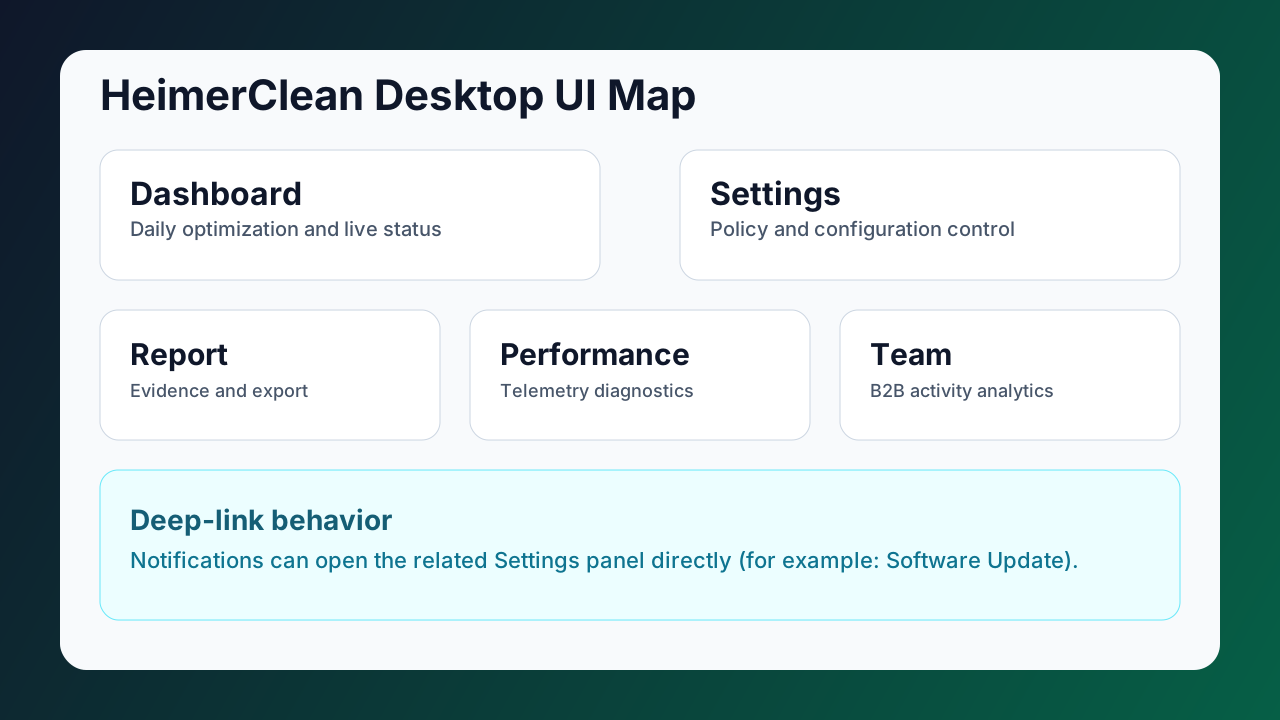
Page Responsibilities
| Page | Main purpose | Typical user action |
|---|---|---|
| Dashboard | Quick health + optimization decisions | Start daily optimization, check AI state |
| Settings | Configuration and policy control | Change update/notification/AI behavior |
| Report | Evidence and summaries | Filter date range, review detected-cleaned details, export |
| Performance | Runtime diagnostics | Capture telemetry, inspect GPU/platform status |
| Team | B2B tenant analytics | Track team activity and model intervention trends |
Navigation Logic
- Dashboard is the default landing page.
- Report and Settings are direct navigation entries.
- Performance and Team provide deeper operational insight.
- Notification deep-links can open specific Settings panels directly.
Best Practice
- Use Dashboard for daily flow.
- Use Settings only when policy/config changes are needed.
- Use Report before sharing operational evidence.
- Use Performance when game/render behavior or GPU diagnostics are involved.
- Use Team for B2B fleet and organization visibility.